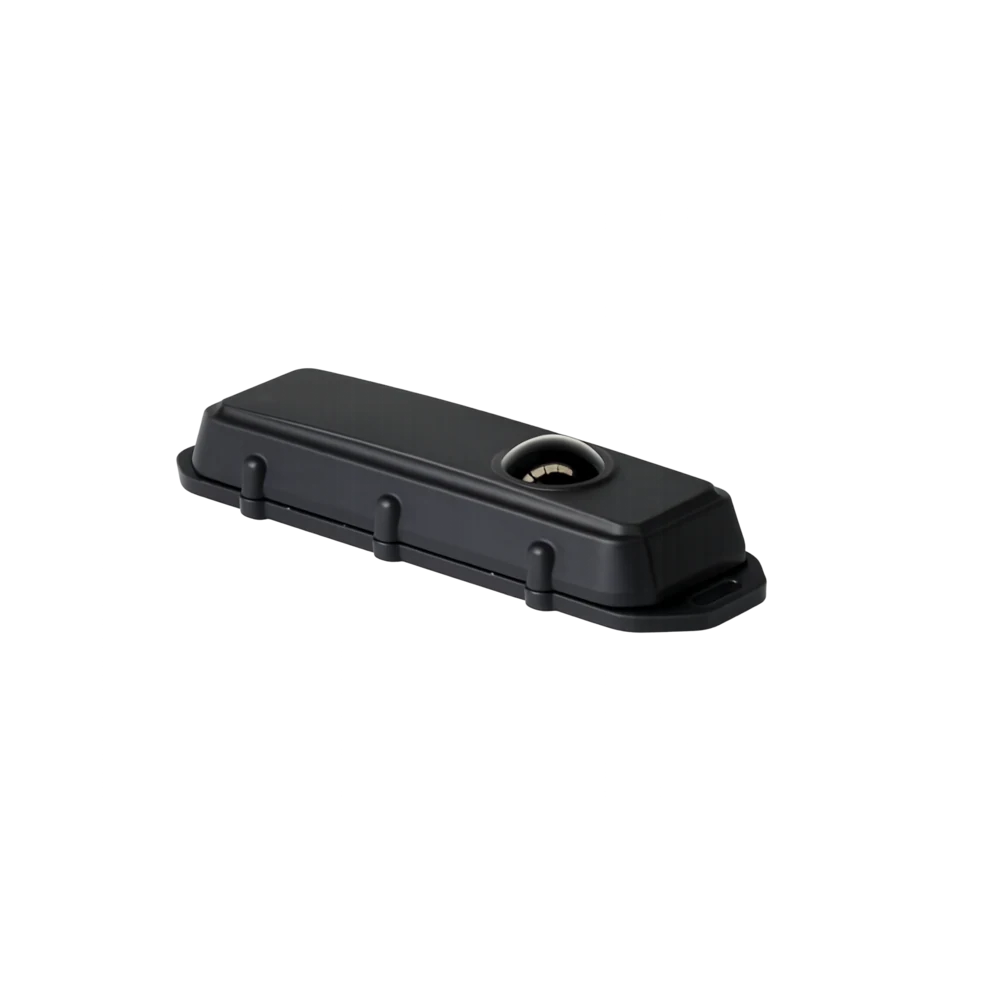
BARRA-RADAR-BLE · Wireless trackers
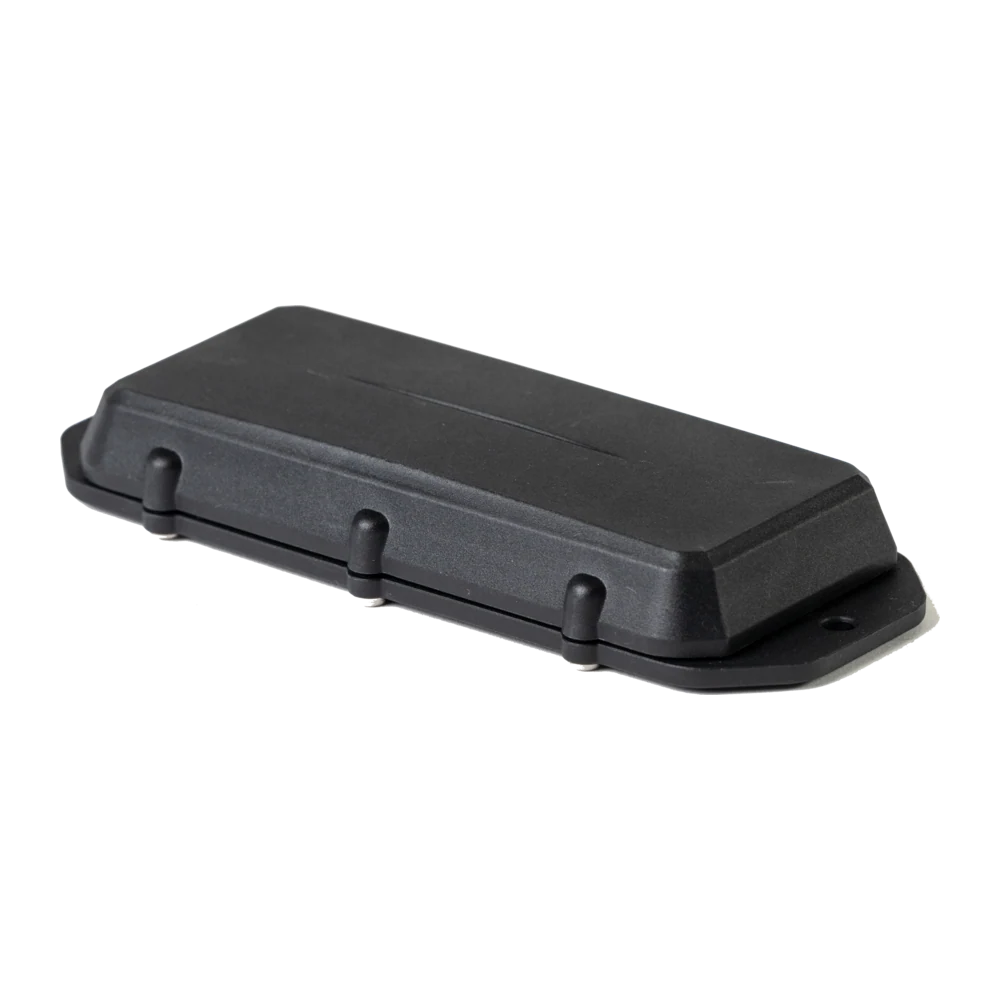
Barra Radar BLE
Object and Level Detection via Radar Bluetooth device in Barra form-factor (batteries not included)
IN STOCK · ZAR
HomeSolutionsOperations, Workflow & ProductivityDigital Checklists and Paperless Processes
Operating layer · Solution
Replace paper SOPs, audits, inductions and shift reports with mobile digital checklists that capture photo, signature and GPS evidence on every step.
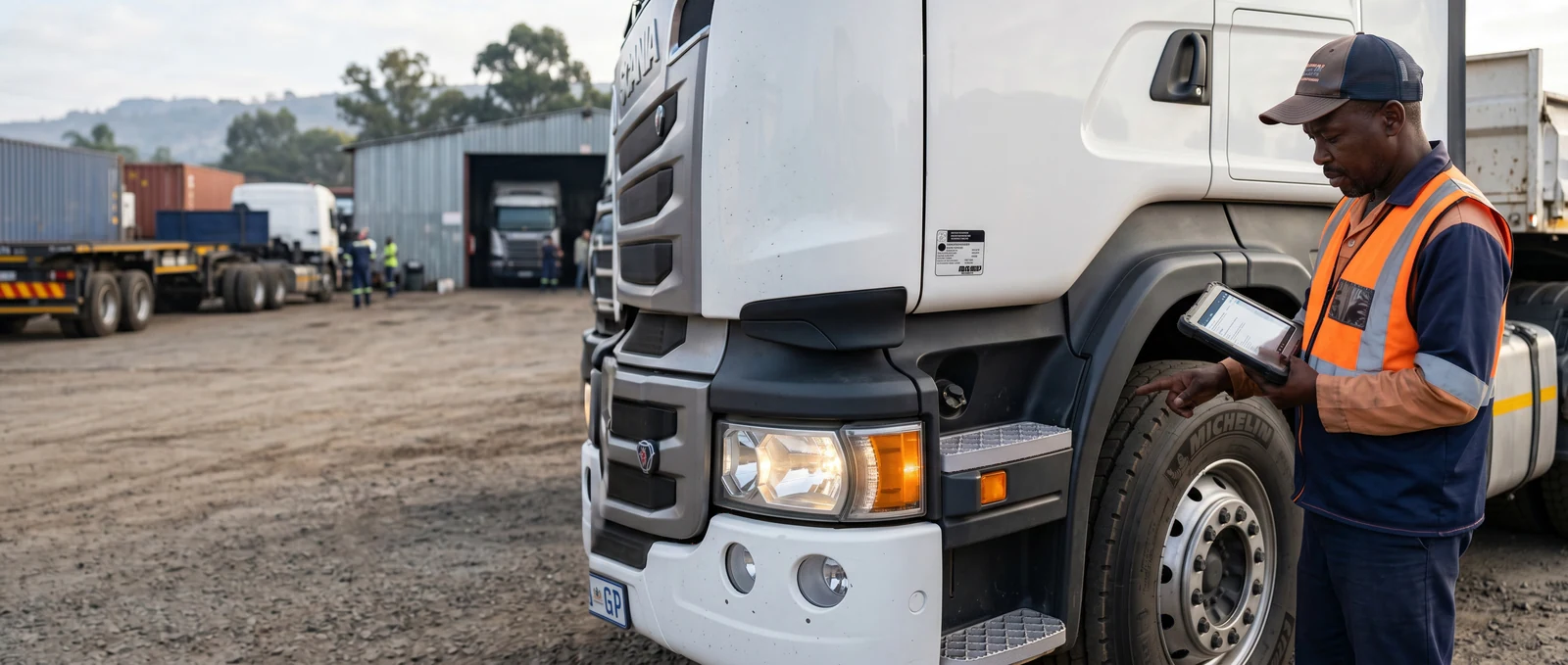
Wednesday, 11:08, a customer site in Centurion. A service technician is eight steps into a 14-step service SOP on her phone. Step 1 was the site induction signed by the customer's safety officer. Step 4 captured a photo of the serial number. Step 7 logged the torque setting on the bolt she replaced, with a photo of the wrench reading. Step 12 will be the customer signature. Step 14 time-stamps her departure. Every step is photo-stamped and GPS-stamped. The proof-of-task pack is in the back office before she has driven away. The customer invoice is on the system before she gets back to depot. No clipboard, no paper, no carbon copy lost in a dashboard pile.
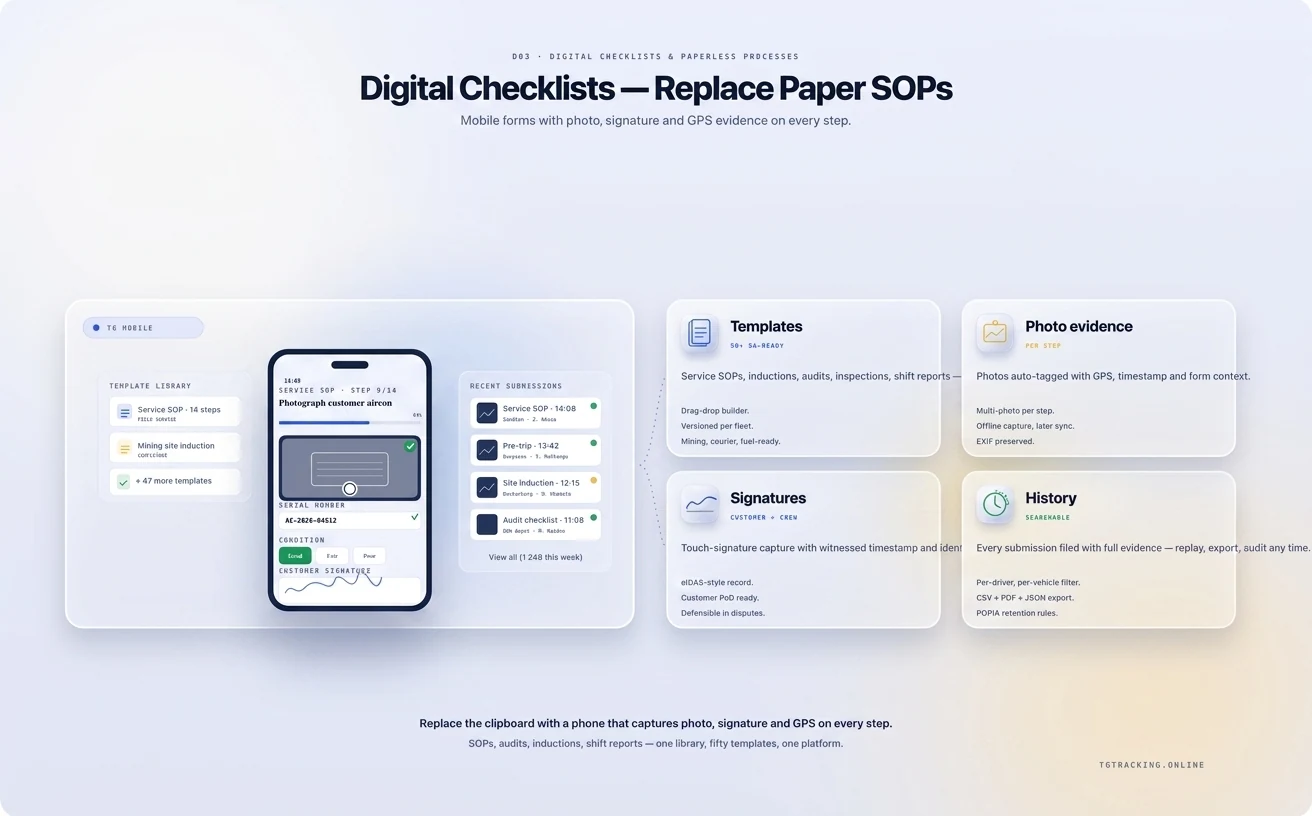
Digital Checklists and Paperless Processes from TG Tracking lifts every SOP, induction, audit, training acknowledgement, shift report and customer-site task off paper. Built for the field force on TG Mobile, supervised on TG Online, tied into Vehicle Inspection App, Maintenance Scheduling and Fleet Expense Management. The cluster overview is at Operations and Workflow.
A paper SOP is a list of steps. A digital checklist is a workflow. The platform covers seven core form types.
Each form runs on the same engine: photo evidence, GPS stamp, time stamp, severity bands, mandatory fields, conditional logic, offline mode and digital signature.
Job assigned at depot. The job appears on her phone with site, SOP template, torque settings, parts list and deadline.
Drive with Live Professional Navigation. The SOP opens automatically on arrival inside the geofenced site.
Step-by-step execution. Each step requires a tick, photo or measurement before the next step opens. A missed step blocks completion.
Customer signature. The customer signs on her phone at step 12. The platform writes the signature, time and GPS coordinate.
Auto-sync to back office. The completed pack lands in the customer's record on submit. The supervisor sees it in TG Online. The invoice lifts via the API and webhooks.
The technician does not write a job sheet. The supervisor does not chase a paper return. The customer does not wait three days for sign-off.
A flat checklist treats every job as identical. A real job has branches.
If the equipment is a Type A unit, the form shows steps 4a, 5a and 6a. A Type B shows different steps. A measurement out of tolerance opens a defect-escalation branch and prompts a photo. A sensitive customer site requires an additional safety acknowledgement at the start. A probationer technician prompts for a supervisor sign-off remotely before the job closes. The conditional engine is configured per template, not per job. The technician sees the right branch automatically.
The platform assumes someone will try to skip a step. Mandatory fields prevent submission. Missed-checklist alerts fire when a recurring form does not arrive on schedule. KPI dashboards show completion rate, rejection rate, missed forms and bottleneck steps. PDF and spreadsheet exports run scheduled audit packs.
For mine-site contractors, the SOP and induction stack feeds Mining IVMS compliance . For high-risk and hazmat work, the engine carries OHS Act-aligned safety packs . For customer audit cycles, the engine ships ISO-aligned templates .
A checklist platform built for an urban European field force is not built for a Karoo solar site, a Limpopo mine, a load-shedding-affected depot or a rural-route fibre install. Offline mode handles cellular dead zones, syncs once the link returns, runs on Android and iOS phones, and ships templates aligned with local SOP practice. Customer-site geofences trigger the right form on arrival. See Industries we serve for vertical templates and Safety, compliance and risk for the broader compliance pillar.
A typical SOP is built in the form designer in 30 to 60 minutes. Complex conditional SOPs take longer. Pre-built templates speed up common workflows.
Yes, with a guided rebuild. The PDF or Word SOP is the source; the form designer turns it into a workflow with photo, signature and GPS attached.
The signature is captured with time, GPS and biometric or PIN confirmation tied to the technician. Acceptance in a dispute depends on the case.
Yes. A driver runs a Vehicle Inspection App walkaround on the same phone the technician uses for an SOP.
Yes. The API and webhooks push completed forms and signatures into your billing, ERP or CRM.
The form is held on the device and syncs once cellular returns. The supervisor sees a pending state until sync.
Yes. Multi-tenant configurations and role-based form access are built in. A supervisor sees only the forms for their unit; an admin sees the full library.
If your operation today depends on a clipboard, a torn carbon copy and a signed proof-of-task pack that arrives at head office two days late, the platform is the layer that closes that gap. Book a demo and we will turn one of your real SOPs into a working digital form before the call ends.
Trackers and apps that turn the daily ops checklist into live, exception-driven workflow.
Object and Level Detection via Radar Bluetooth device in Barra form-factor (batteries not included)
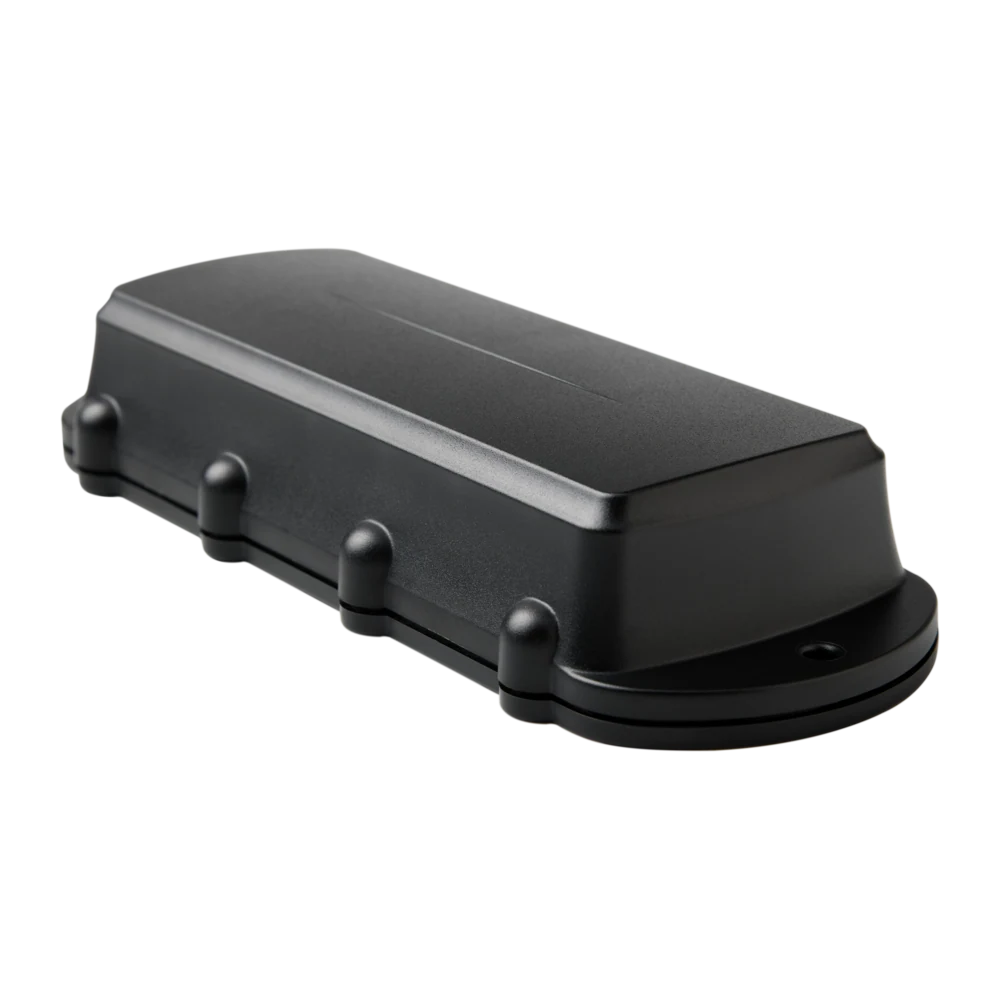
Remora3 Global GPS tracker on 4G Cat1bis with 2G fallback, Bluetooth 5.2 gateway
Remora3 GPS tracker on 4G LTE-M / NB-IoT with Bluetooth 5.2, massive battery life
Manta form-factor GPS-only tracker on 4G LTE-M / NB-IoT
Tell us what you run, where you run it and the risk profile. We'll match the hardware, platform and rollout plan to your operation.