Alerts, Automation & Reporting
Automate geofences, movement alerts, sensor alerts, scheduled reports and notifications.
TG Tracking helps businesses stay ahead of the things that need attention. Create alerts for vehicles, assets, drivers, geofences, sensors, cameras and maintenance events, then send the right notifications and reports to the right people.
From daily fleet reports to urgent movement alerts, TG Tracking turns live operational data into action.
What are fleet alerts, automation and reporting tools?
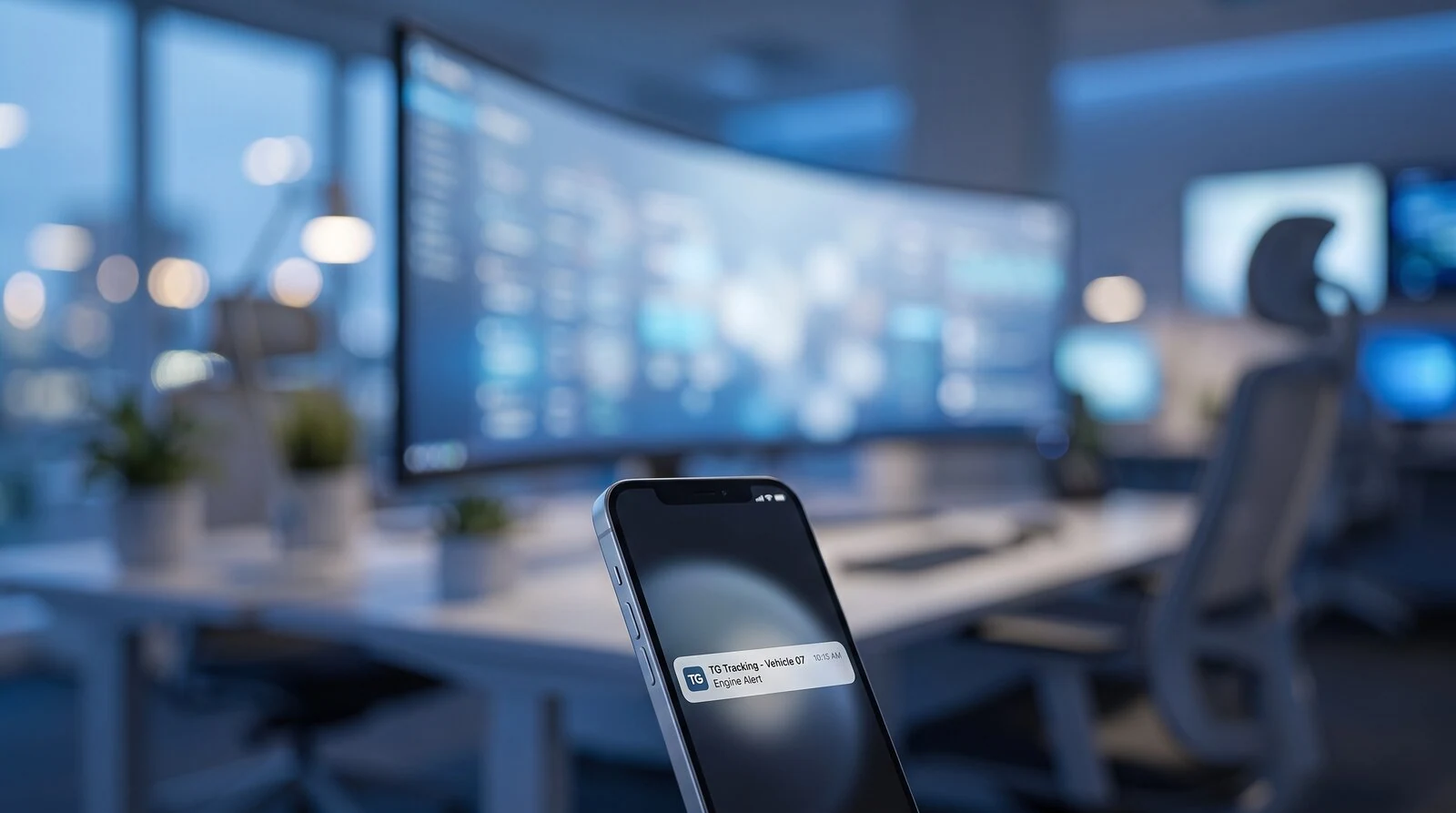
Fleet alerts, automation and reporting tools help businesses monitor vehicles, assets, drivers and sensors without checking the platform manually all day.
Alerts notify users when important events happen, such as speeding, geofence activity, unauthorised movement, temperature breaches or device issues.
Automation helps route those alerts, reports or actions to the right people.
Reporting gives managers scheduled or on-demand visibility into fleet activity, exceptions, trends and performance.
Why Alerts Matter
Fleet and asset tracking only creates value when the right people know what needs attention.
Instead of searching through live maps, trip logs and device records, alerts help teams focus on exceptions.
Use alerts to answer questions like:
Alert Types
Geofence Alerts
Create virtual zones around depots, branches, customer sites, farms, construction sites, mines, ports or high-risk areas.
Movement Alerts
Monitor movement when vehicles, trailers or assets should not be moving.
Driver Behaviour Alerts
Create alerts for risky or unwanted driving behaviour.
These alerts can support coaching, safety programmes and driver accountability.
Sensor and Cold Chain Alerts
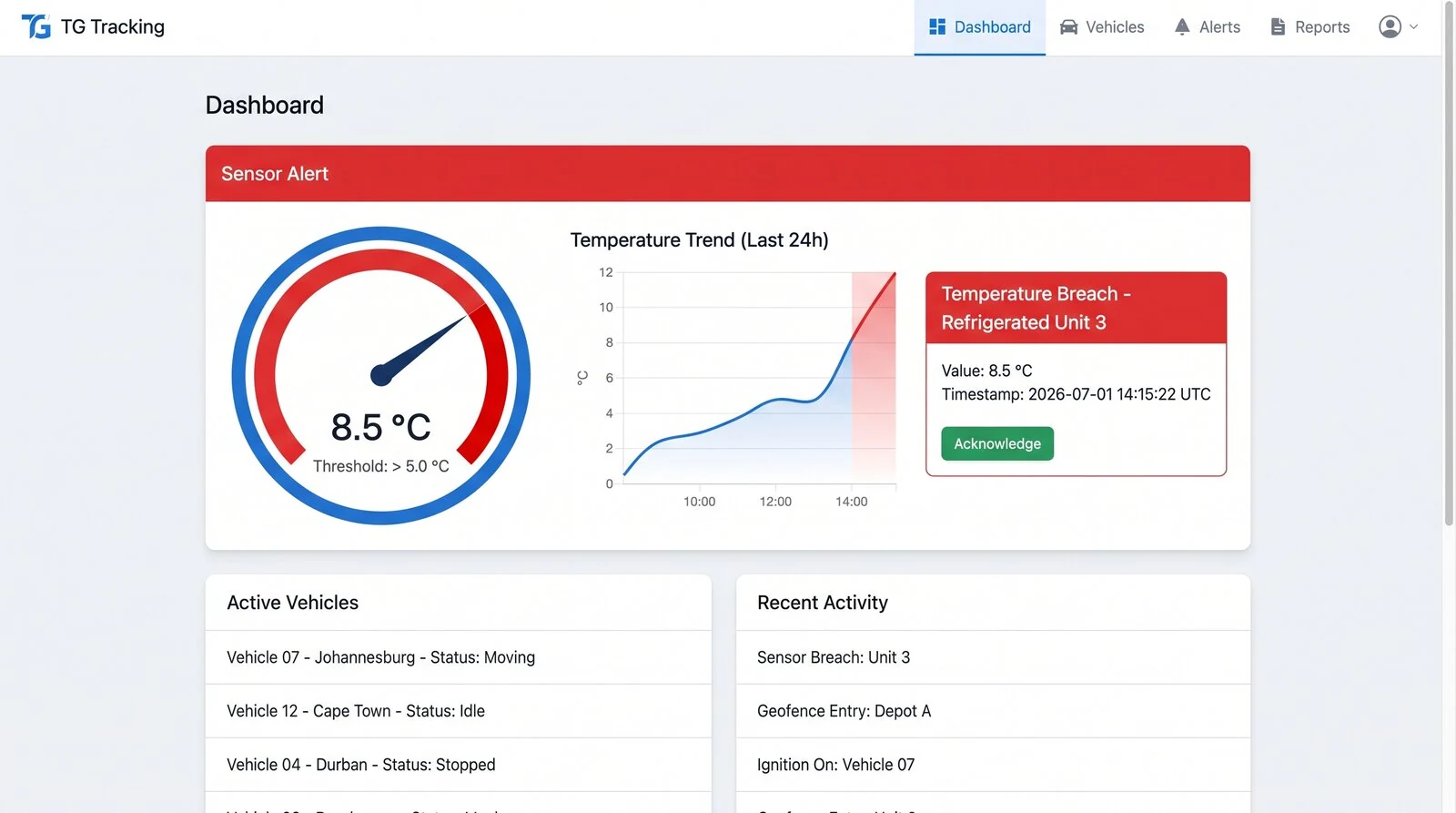
Monitor sensor data and receive alerts when readings move outside expected ranges.
This is especially useful for cold chain transport, agriculture, equipment monitoring and remote sensor applications.
Camera and Safety Event Alerts
Where compatible cameras are fitted, alerts can support visibility around AI camera and safety events.
These alerts help teams review high-risk behaviour and support driver coaching.
Maintenance and Service Alerts
Use maintenance alerts to help teams stay ahead of servicing and operational readiness.
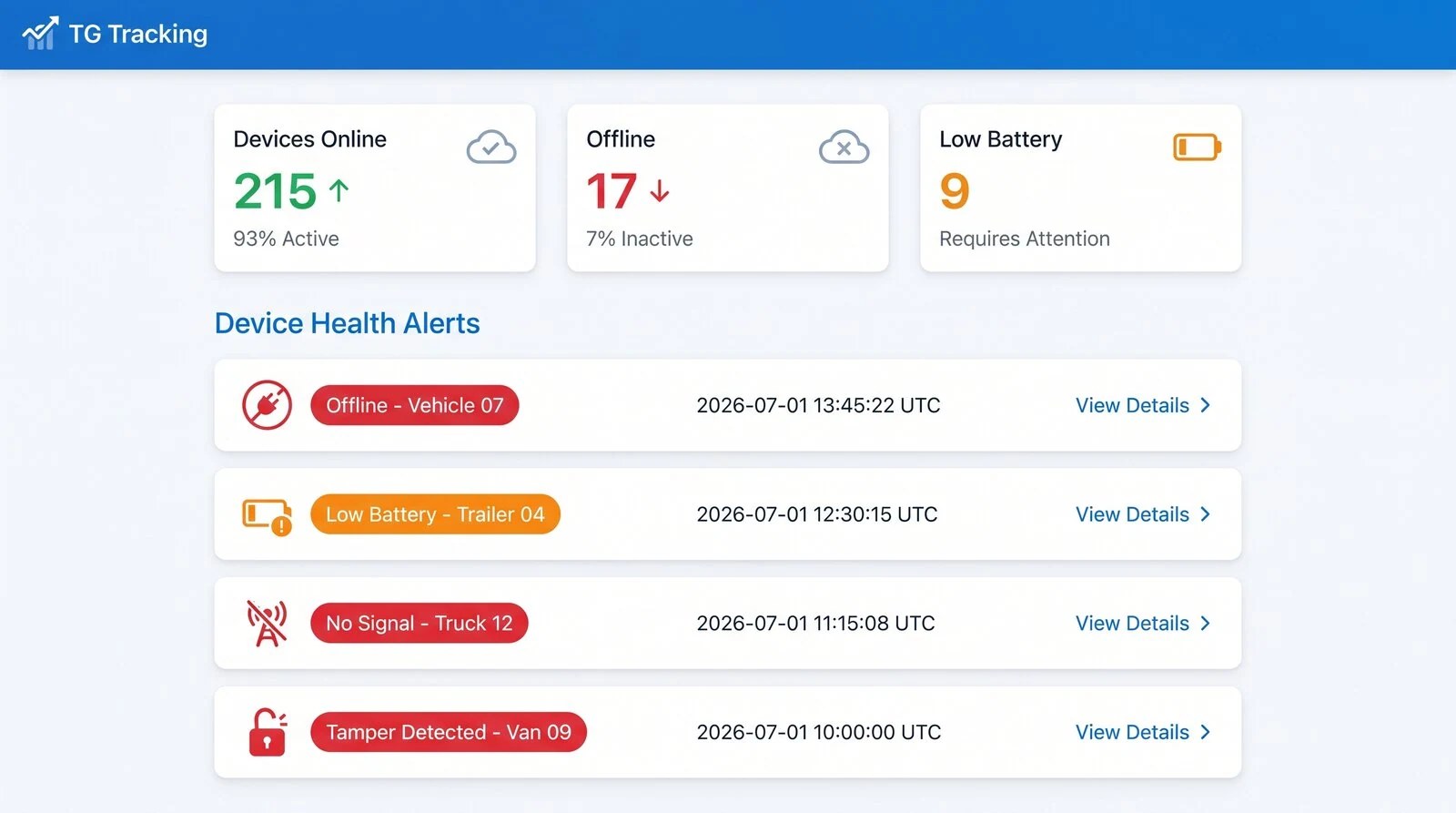
Device Health Alerts
Monitor devices and assets that may need attention.
This is useful for control rooms, support teams and large fleet operations.
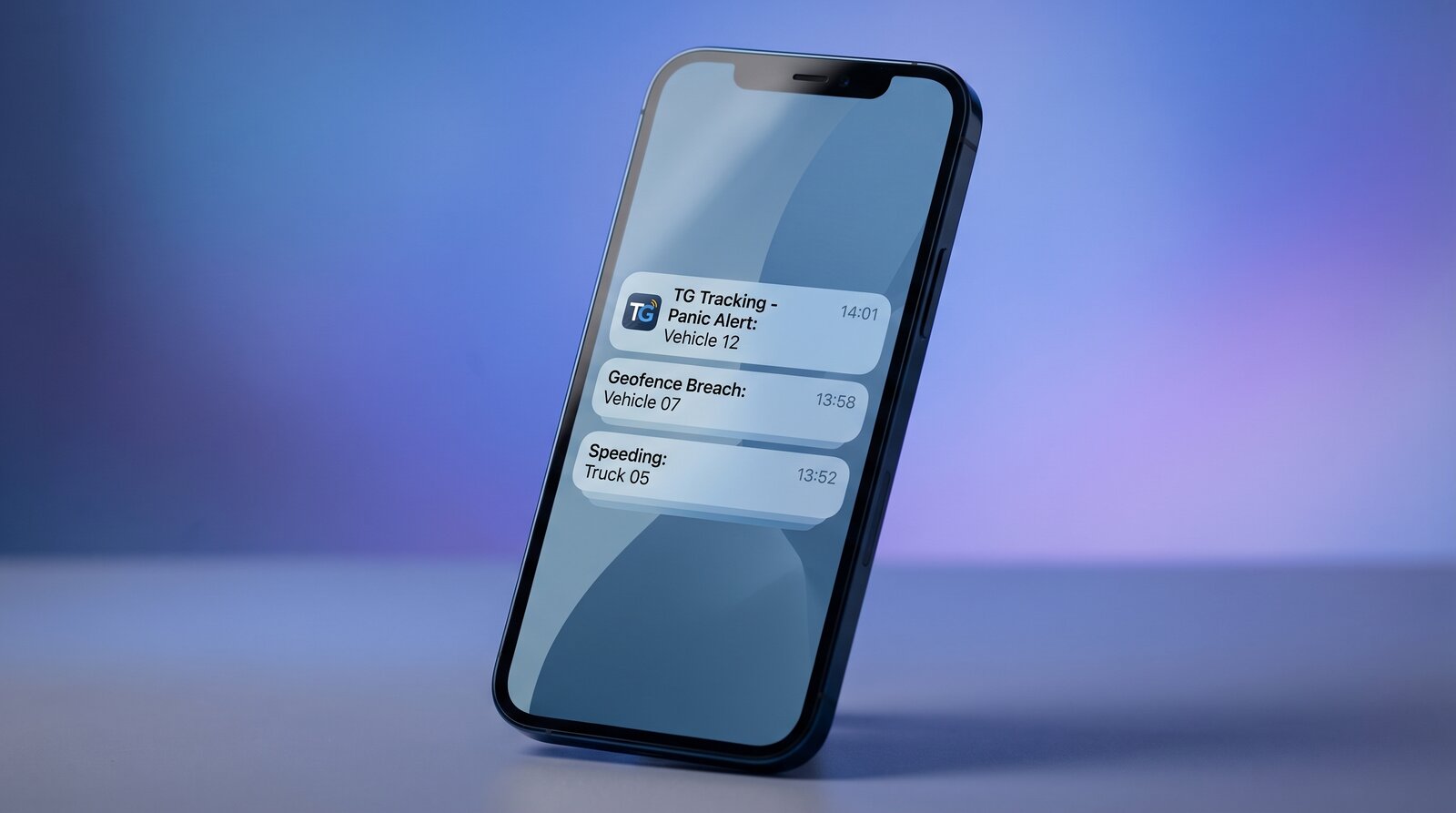
Panic and Emergency Alerts
Where panic buttons or emergency inputs are configured, alerts can support urgent response workflows.
Automation Examples
Notify the Right Team
Send specific alerts to the correct person, team or department.
A cold chain temperature breach goes to operations and quality control, while a harsh driving alert goes to the fleet manager.
Schedule Daily Reports
Send reports automatically to managers, customers or internal teams.
A daily non-connecting device report is sent to support staff every morning for follow-up.
Escalate Exceptions
Use alerts and reports to highlight issues that need action.
A vehicle enters a high-risk area after hours, and the control room receives an alert.
Support Customer Reporting
Send selected reports or dashboard views to customers where required.
A cold chain customer receives a temperature compliance report for their deliveries.
Trigger Integration Workflows
Use APIs and webhooks where external systems need to receive alert data.
A geofence entry updates a customer portal or dispatch system.
Related page: Integrations, APIs & Webhooks
Reporting Tools
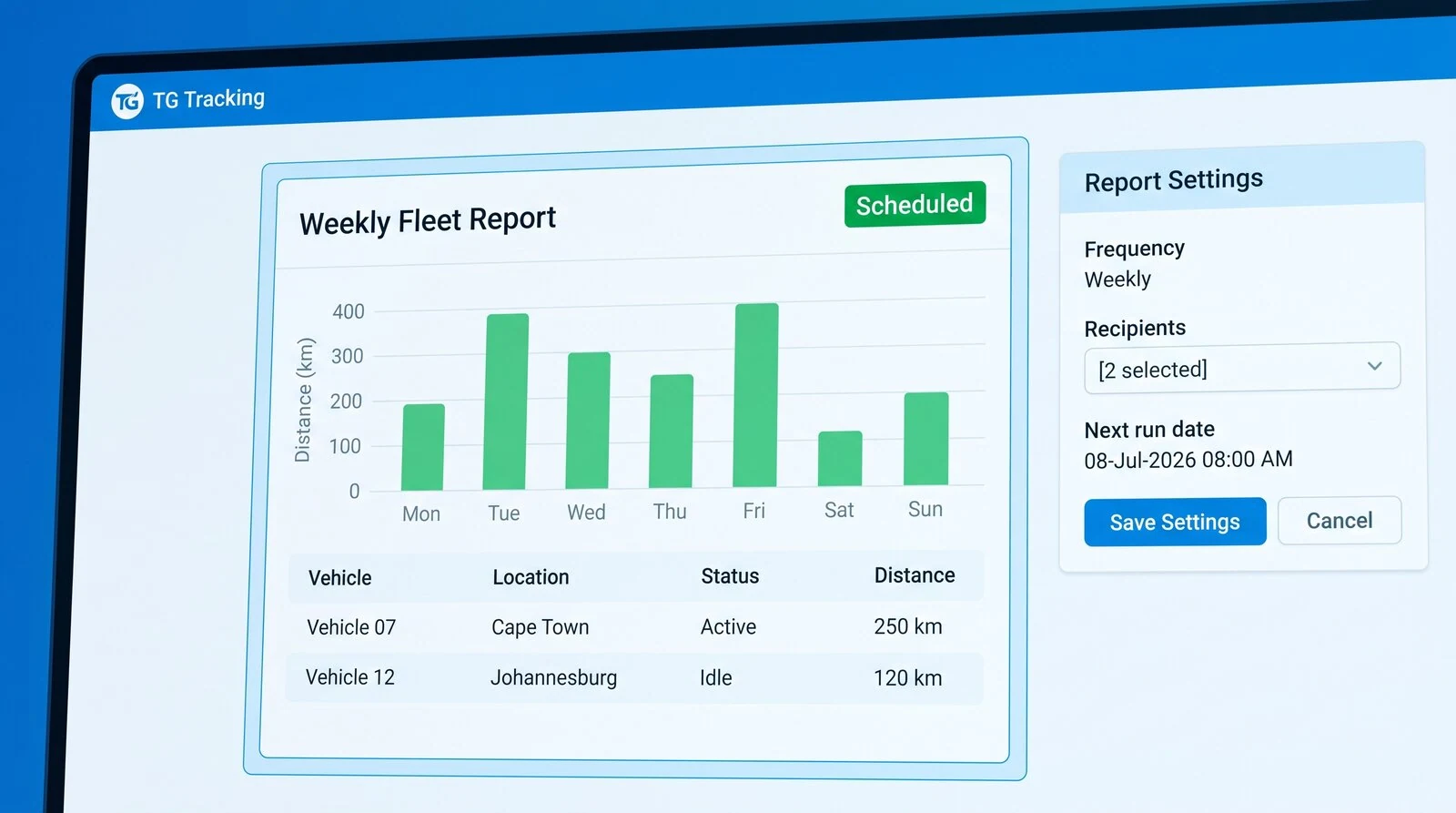
Scheduled Reports
Create reports that are sent automatically at agreed times. Reports can be scheduled daily, weekly or monthly depending on the reporting requirement.
Exception Reports
Focus on the events that need attention instead of reviewing all fleet activity.
Fleet Activity Reports
Review vehicle and fleet movement over a selected period.
Driver Behaviour Reports
Monitor driver safety and accountability.
Asset and Trailer Reports
Understand asset activity and trailer movement.
Sensor and Cold Chain Reports
Support sensitive operations with sensor history and exception reporting.
TG Online, TG Mobile and BI Dashboards
TG Online
TG Online is where users configure alerts, manage reports and view fleet activity from the web platform.
Related page: TG Online Web Platform
TG Mobile
TG Mobile gives users access to selected alerts, notifications and fleet activity from their phone.
Related page: TG Mobile App
BI Dashboards
Business Intelligence Dashboards can turn alerts, exceptions and operational data into live management views and control room dashboards.
Related page: Business Intelligence Dashboards
APIs and Webhooks
For customers who need alerts to trigger actions in external systems, APIs and webhooks can help connect TG Tracking data into business workflows.
Related page: Integrations, APIs & Webhooks
Built for Different Teams
Fleet Managers
Monitor driver behaviour, vehicle movement, reports and exceptions.
Operations Teams
Receive alerts for route activity, site movement, jobs, assets and operational issues.
Control Rooms
Monitor urgent exceptions, panic alerts, non-connecting devices and high-risk events.
Safety Teams
Track speeding, harsh events, ADAS, DMS, incidents and coaching priorities.
Maintenance Teams
Receive service, inspection, defect and device health alerts.
Cold Chain Teams
Monitor temperature, door events, humidity and breach reports.
Customer Service Teams
Use selected reports to support customer queries, disputes and delivery visibility.
Common Use Cases
Transport & Logistics
Geofence alerts, route exceptions, driver behaviour reports and cross-border movement visibility.
ExploreTrailer Rental
Movement alerts, mileage reports, low battery alerts and recovery-related exceptions.
ExploreCold Chain Transport
Temperature alerts, door events, breach reports and delivery compliance records.
ExploreEquipment Rental
Asset movement alerts, utilisation reports and customer usage visibility.
ExploreMining & Heavy Equipment
Driver behaviour, IVMS-style exceptions, equipment alerts and site activity reports.
ExploreService & Staff Fleets
Trip reports, staff vehicle activity, speeding alerts and expense-related reporting.
ExploreSecurity & Emergency Response
Panic alerts, response vehicle movement, route replay and incident records.
Explore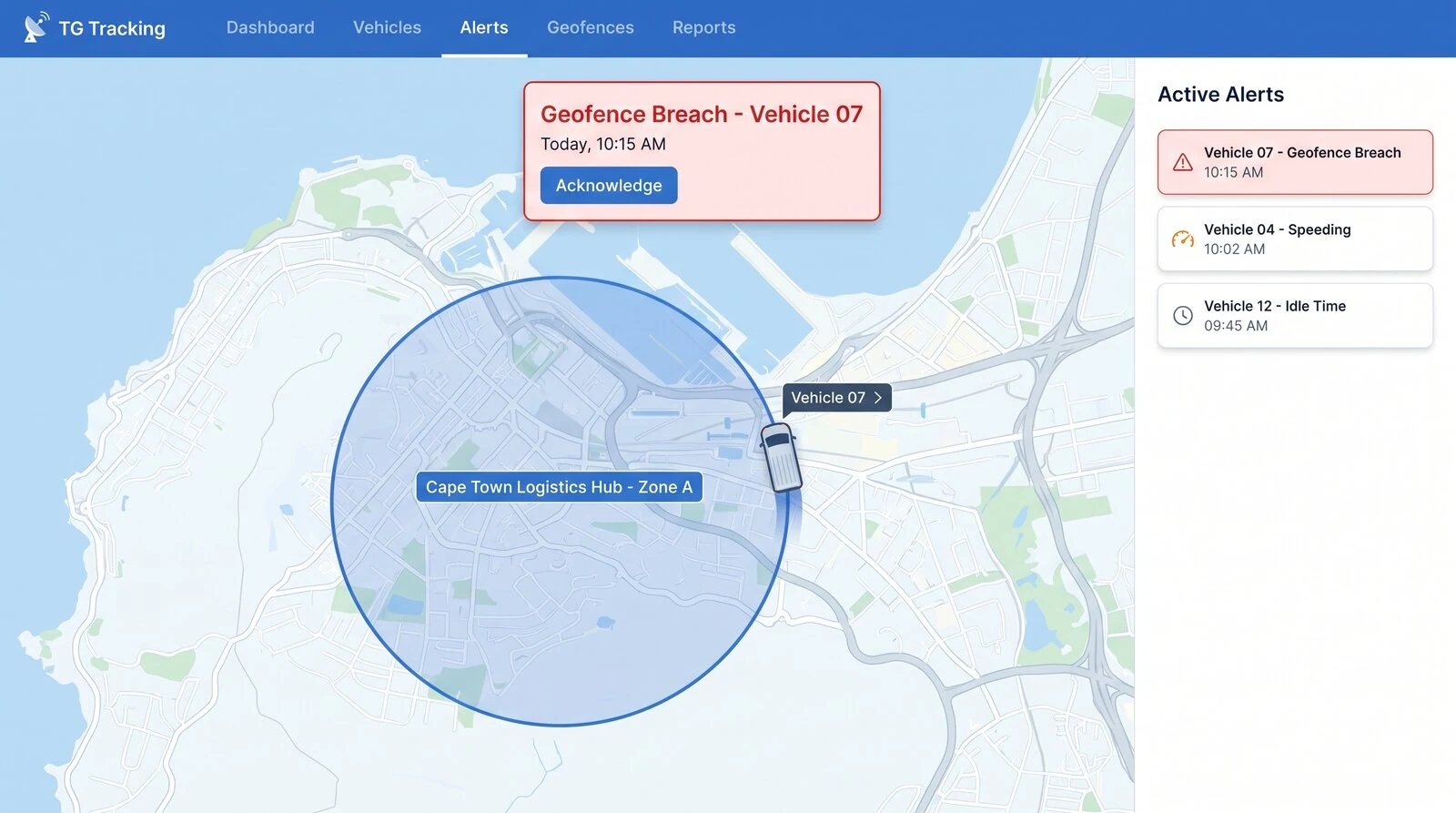
Why Businesses Use TG Tracking Alerts and Reports
Act Faster
Get notified when something needs attention.
Reduce Manual Checking
Let alerts and reports surface exceptions automatically.
Improve Accountability
Create clear records of vehicle, driver, asset and sensor activity.
Protect High-Value Assets
Use movement, geofence and device alerts to support asset protection and recovery.
Improve Safety
Use driver behaviour, camera and panic alerts to support safer operations.
Support Customers and Compliance
Use reports and records to support customer queries, cold chain reporting and operational compliance.
Explore Related Pages
FAQs
What are fleet alerts?
Fleet alerts are notifications triggered by vehicle, asset, driver, sensor or system events, such as speeding, geofence activity, movement, temperature breaches or device issues.
What are geofence alerts?
Geofence alerts notify users when a vehicle or asset enters or exits a defined area, such as a depot, customer site, region, border, farm or high-risk zone.
Can TG Tracking send movement alerts?
Yes. TG Tracking can send alerts for selected movement events, including unauthorised movement, after-hours movement or asset movement where configured.
Can TG Tracking send sensor alerts?
Yes. Sensor alerts can be configured for events such as temperature breaches, humidity changes, door events, tank levels, pump activity or other connected sensor readings.
Can reports be scheduled automatically?
Yes. Reports can be scheduled to send automatically based on the customer’s reporting requirements.
Can alerts be sent to different users?
Yes. Alerts and reports can be sent to different users or teams depending on the setup and permissions.
Can TG Tracking alerts connect to external systems?
Yes. APIs and webhooks can be used to send selected alert data to external systems where integration is required.
Can alerts be viewed on mobile?
Yes. TG Mobile can provide access to selected alerts and notifications from a smartphone.
Can alerts help with cold chain compliance?
Yes. Temperature, humidity, door and breach alerts can support cold chain monitoring and reporting.
Can alerts help with device troubleshooting?
Yes. Device health alerts and reports can help teams identify devices that are offline, not connecting, low on battery or require attention.
Ready to Automate Fleet Alerts and Reports?
Use TG Tracking to automate geofences, movement alerts, sensor alerts, scheduled reports and notifications across your fleet, assets and operations.