HomeSolutionsAI Camera SolutionsPersonal Dashcams
Operating layer · Solution
Personal Dashcams
AI personal dashcams for South African drivers and families. HD video, GPS-tagged clips, accident detection, mobile app evidence on the same TG Tracking platform.
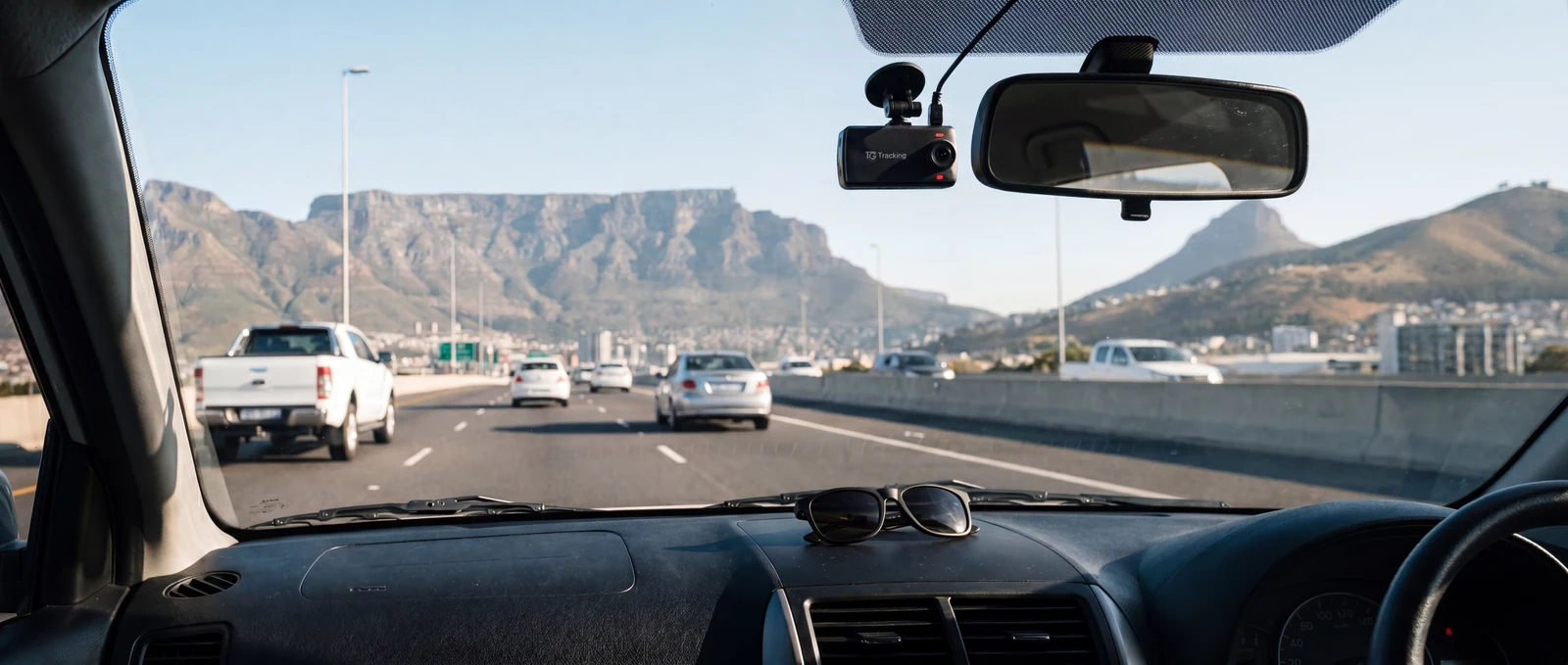
A personal dashcam puts the footage from every drive on your phone, with the GPS pin, speed and time-stamp on every clip. A parent watching a new licence holder come home from rugby practice, a couple driving the coastal route to Plettenberg Bay, a daily commuter on the M1, all get the same evidence layer on the same TG Tracking household account. When something does need a conversation later, the clip is already there, eight seconds either side of the moment that matters.
Direct answer
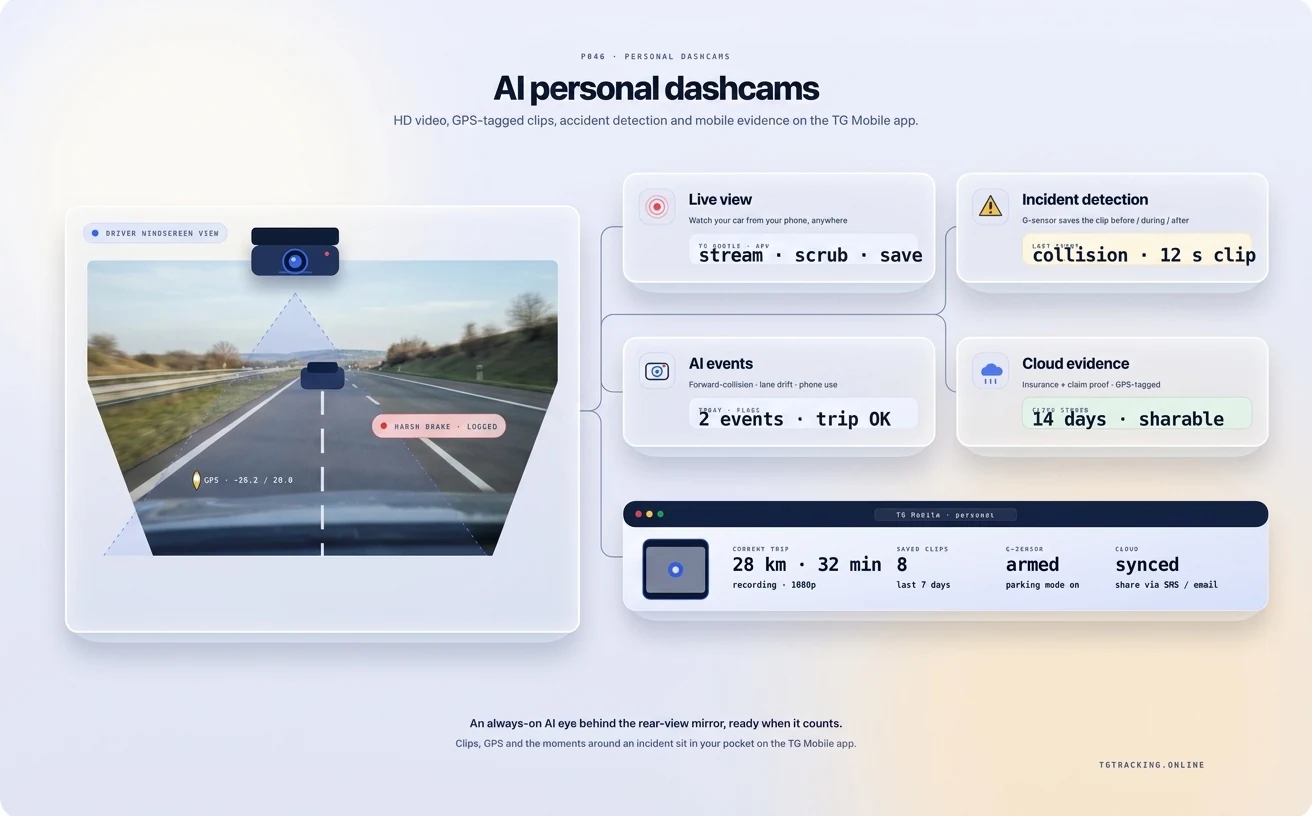
TG Tracking Personal Dashcams sit on the AI Cameras layer. They cover front-facing, dual front-plus-cabin and discreet variants, with HD recording, accident-triggered clip lock, GPS-tagged evidence and a mobile view through TG Mobile. They pair with Car Tracking and Recovery and Dashcam Tracking so one household account holds the cars, trackers and cameras.
Choose the dashcam shape that fits your life
The hardware family is the same. The shape and lens combination change with how you drive.
Front-facing dashcam
For the daily commute on the M1, the school-run loop in Pretoria East, the weekend trip to Hartebeespoort. Forward-only HD recording with G-sensor accident lock and GPS-tagged clips.
Dual: front plus cabin or front plus rear
For parents tracking new licence holders, ride-share drivers needing a cab-facing record, families pulling a caravan to the South Coast over December. Two lenses, one device, paired clips on the same timeline.
Discreet behind-the-mirror
For owners who want the camera invisible from outside the car. Same recording quality, lower visual profile.
What every personal dashcam captures
HD video, day and night. Number plates, road signs, lane markings, the moment of impact.
GPS evidence on every clip. Location, speed, route and time-stamp embedded with the video, which is the combination most South African brokers ask for.
G-sensor accident lock. Sudden braking, impact, harsh swerve and steep bumps trigger an automatic save and lock so the file is not overwritten.
Mobile access through the app. Watch a recent trip, retrieve a clip and download an evidence file, no SD-card pulling.
Where a personal dashcam earns its keep
The insurance claim with evidence. Where another driver's account differs from yours, the HD road-facing clip with the speed and location stamp gives the broker and the insurer a shared timeline to work from. The conversation starts with the footage, not with the recollections.
The teen-driver moment. A new licence, a Friday night and a parent who would rather know than guess. The dual unit captures road and cabin, which puts the conversation on a shared timeline rather than a memory test. Most parents review a clip with the driver once and never need to again.
The driveway intrusion. Parking mode catches a bump in a Sandton mall parking bay or someone leaning on the bonnet outside a Newlands cafe.
How the personal dashcam fits the rest of your TG Tracking account
A personal dashcam is one piece of a household account that already covers the cars and assets. The car-tracking devices handle live location, geofences and the recovery workflow through the South African control room. The dashcam adds the eyewitness layer: a clip tied to the trip, time and place. From the TG Mobile app the same login covers the car, trailer, weekend boat and dashcam. For the broader personal-cluster framing, see Dashcam Tracking.
South African driving realities the dashcam is built for
Heat, dust, hailstorms and a 15-amp accessory socket. The mounting is suction or adhesive, the heat envelope is rated for summer dashboards in Upington and parking-mode power is sized so the car battery is not flat by Monday morning. Audio recording inside a private vehicle is sensitive under POPIA. The default posture is video-only with audio off. Confirm specifics with your Information Officer or legal advisor.
Frequently asked questions
Will my insurer accept a TG Tracking dashcam clip?
Most major South African insurers accept HD road-facing video plus GPS, speed and time-stamp as supporting evidence. Confirm with your broker.
Does the dashcam record continuously or only on events?
Both. A continuous loop on the SD card holds the last hours of driving, plus an event-locked file when the G-sensor detects a sudden manoeuvre or impact.
Can I view footage from my phone without pulling the SD card?
Yes. The TG Mobile app shows recent trips, retrieves a clip and downloads an evidence file. Exact features depend on the dashcam model.
Does it work when the car is parked?
Parking mode is supported on the hard-wired install. The camera switches to motion-and-impact sensing while the ignition is off and saves a clip if anything triggers. Battery draw is sized so a typical car battery survives overnight.
Is a dual front-plus-cabin camera legal in a private South African car?
Recording video inside your own vehicle is generally permitted; audio raises POPIA considerations, particularly with passengers who have not consented. The default is video-on, audio-off. Confirm with your Information Officer or legal advisor.
How does this differ from the Dashcam Tracking page?
Personal Dashcams is the camera-side framing on AI Cameras. Dashcam Tracking is the personal-cluster framing on how a dashcam fits next to your private car tracking.
Can I add it to a car already on TG Tracking?
Yes. The dashcam pairs with an existing personal account on the same login.
Watch your drive, on your terms
The dashcam goes in the car you already own, on the platform you already use, so the next "small bump" comes with footage instead of a story.
Related ai camera solutions solutions.
Add Personal Dashcams to your fleet operating layer.
Tell us what you run, where you run it and the risk profile. We'll match the hardware, platform and rollout plan to your operation.