TG Online Web Platform
Manage vehicles, assets, sensors, cameras, alerts and reports from one cloud-based system.
TG Online is the web-based platform behind TG Tracking, giving businesses live visibility, reporting, alerts and operational tools across vehicles, fleets, trailers, equipment, sensors and camera solutions.
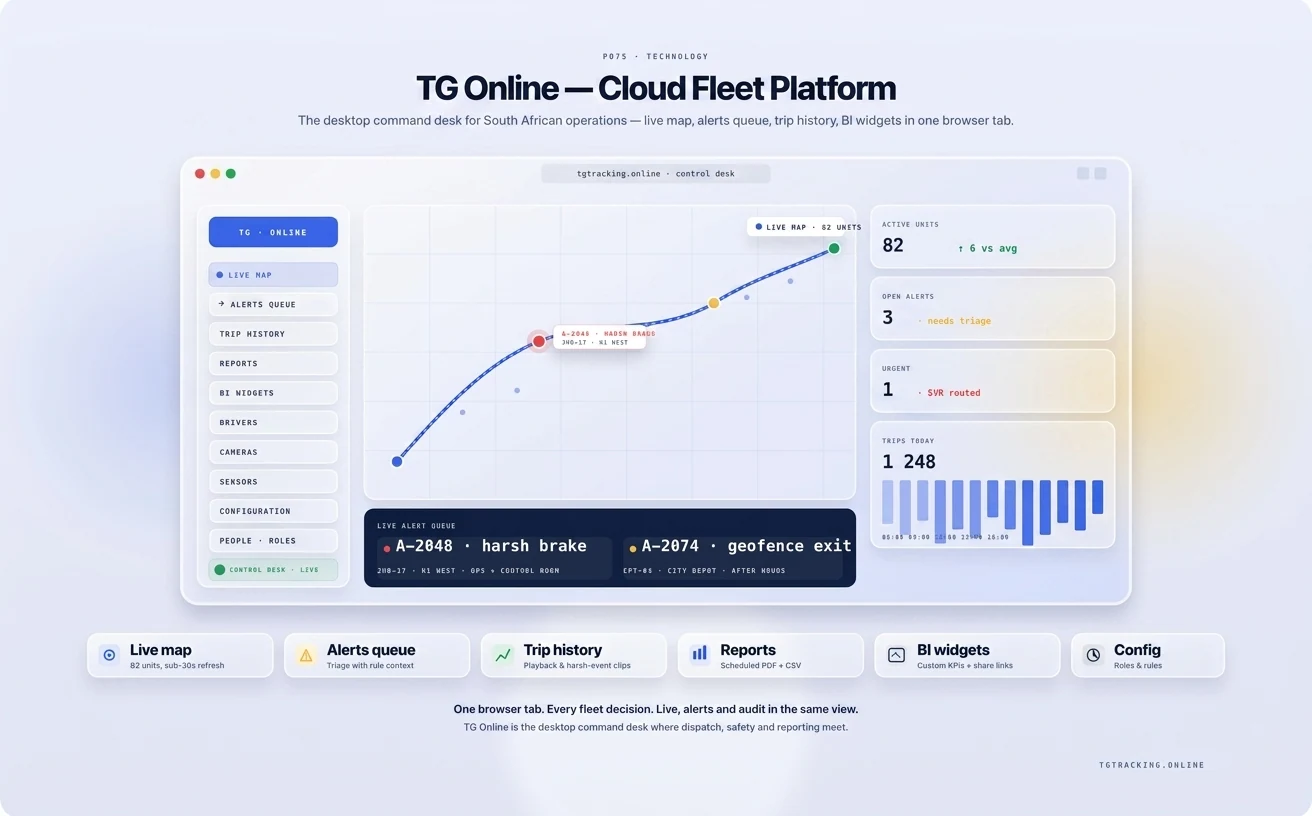
What is TG Online?
TG Online is TG Tracking’s cloud-based web platform for managing vehicles, assets, sensors, cameras, alerts, reports and fleet activity from a web browser.
It gives businesses one central place to view live tracking, trip history, driver behaviour, asset movement, sensor data, camera events, checklists, automated reports and user access.
What You Can Manage in TG Online
Vehicles & Fleets
Track cars, bakkies, trucks, staff vehicles and business fleet vehicles.
Assets & Trailers
Monitor trailers, equipment, generators, containers and non-powered assets.
Cameras & Events
View camera events, incident footage and video-linked safety data where compatible cameras are fitted.
Sensors & Cold Chain
Monitor temperature, humidity, door events, tanks, pumps and other configured sensor data.
Alerts & Automation
Create alerts for movement, geofences, driver behaviour, sensors, maintenance and exceptions.
Reports & Checklists
Access reports, configure digital checklists and manage operational records.
Core Platform Features
Live GPS Tracking
View vehicles and assets on a live map with location, movement, speed and status visibility.
Trip History and Route Replay
Review where vehicles travelled, when they stopped and what events occurred during a trip.
Geofences and Movement Alerts
Create zones around depots, sites, customer locations, farms, regions or high-risk areas.
Driver Behaviour Insights
Monitor driving events and performance trends across vehicles and drivers.
Asset and Trailer Tracking
Manage wireless trackers for trailers, equipment, generators, pumps, containers and other non-powered assets.
Camera Event Viewing
Where compatible cameras are fitted, TG Online can display camera events and footage inside the platform.
Sensor Monitoring
TG Online can display sensor data from configured devices and inputs.
Maintenance Scheduling
Manage service reminders, maintenance intervals and vehicle or asset maintenance records.
Digital Checklists and Inspections
Checklists are configured in TG Online and completed through the TG Mobile app.
Customers can configure checklists themselves or ask TG Tracking for help.
Custom and Automated Reports
TG Online allows customers to create, customise and automate reports without needing to contact TG Tracking.
TG Tracking is available to assist where customers want help building or refining reports.
User-Based Permissions
TG Online includes a user-based permissions module, allowing businesses to control what each user can access. This helps different teams see the information relevant to their role.
Built for Different Teams
Fleet Managers
Live tracking, driver behaviour, routes, alerts and reports.
Operations Managers
Utilisation, workflows, checklists, maintenance and productivity.
Safety Teams
Driver behaviour, camera events, inspections and risk visibility.
Finance and Admin Teams
Mileage, expenses, reports and operational records.
Executives
High-level trends, exceptions, KPIs and business visibility.
Platform Use Cases
Fleet Management
Track vehicles, drivers, routes and business fleet activity.
ExploreAsset Tracking
Monitor trailers, equipment and non-powered assets.
ExploreCamera Visibility
Review camera events and support incident investigations.
ExploreSensor Monitoring
Monitor cold chain, tanks, pumps, water, fuel and environmental data.
ExploreSafety and Compliance
Track driver behaviour, inspections, maintenance, camera events and risk data.
ExploreWorkflow and Productivity
Manage inspections, checklists, maintenance, expenses, users and utilisation.
ExploreA clearer view of your operation
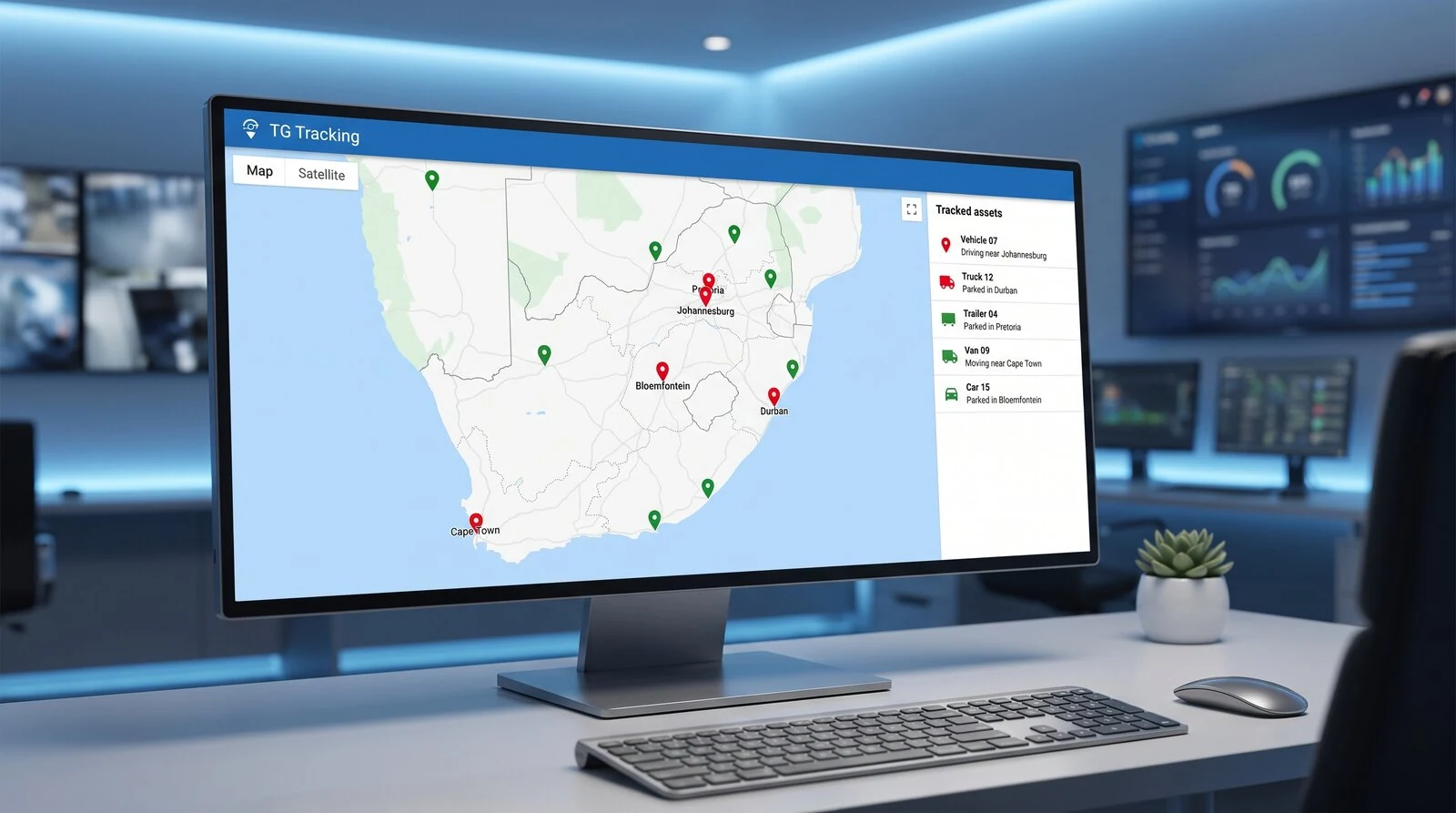
See vehicles, assets and movement from one map.
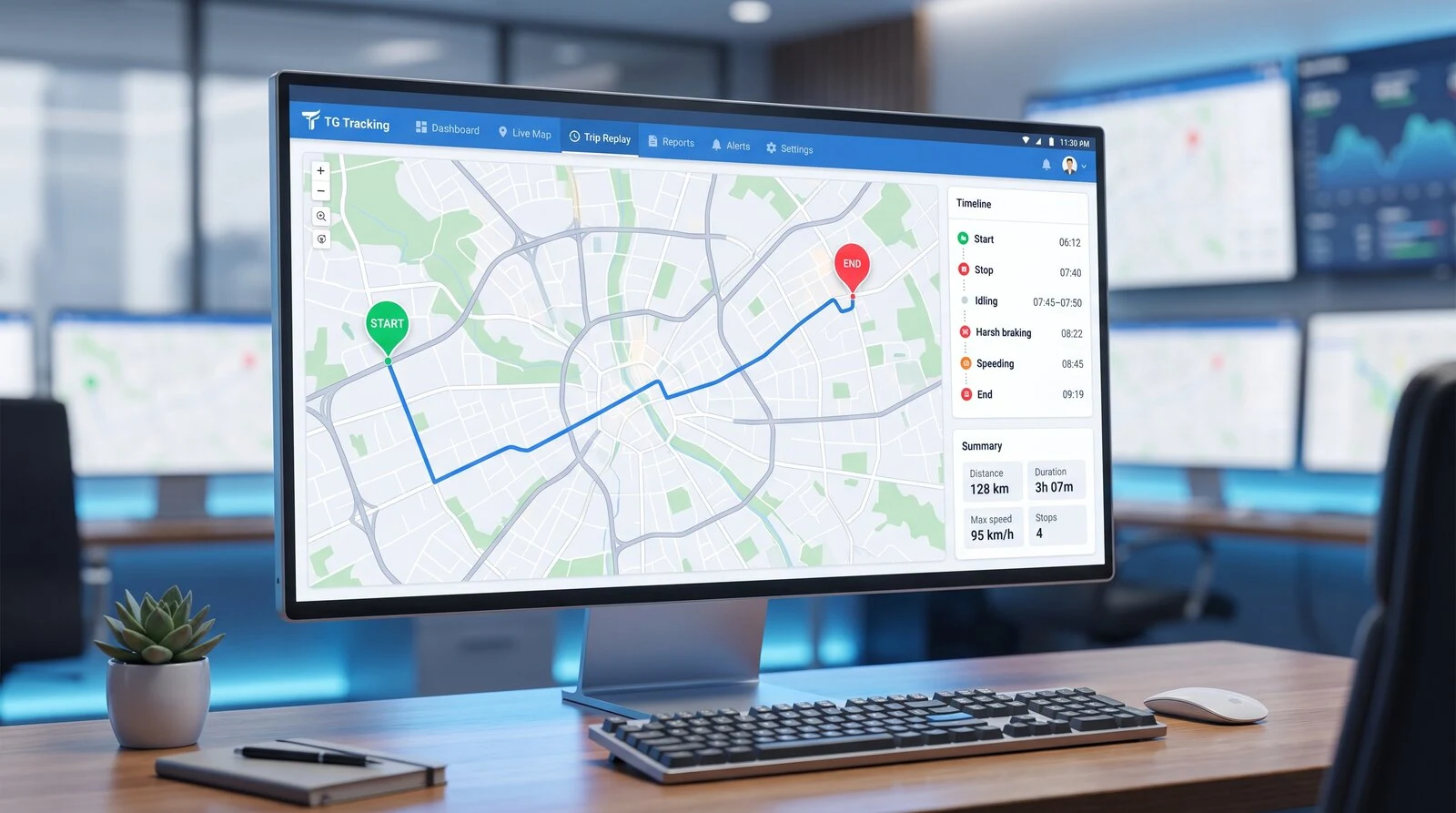
Review route history, stops, events and movement.
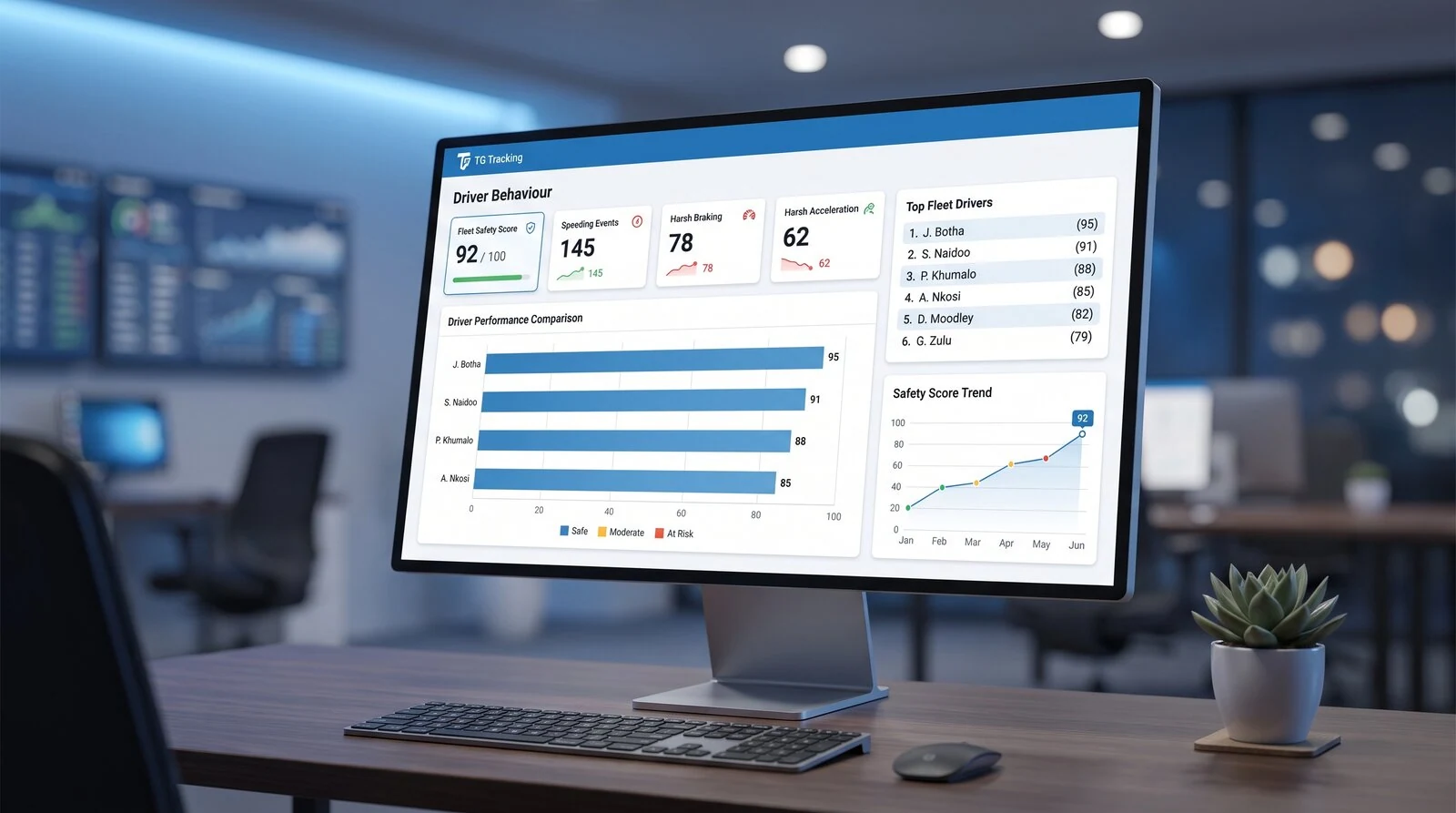
Monitor driving events and performance trends.
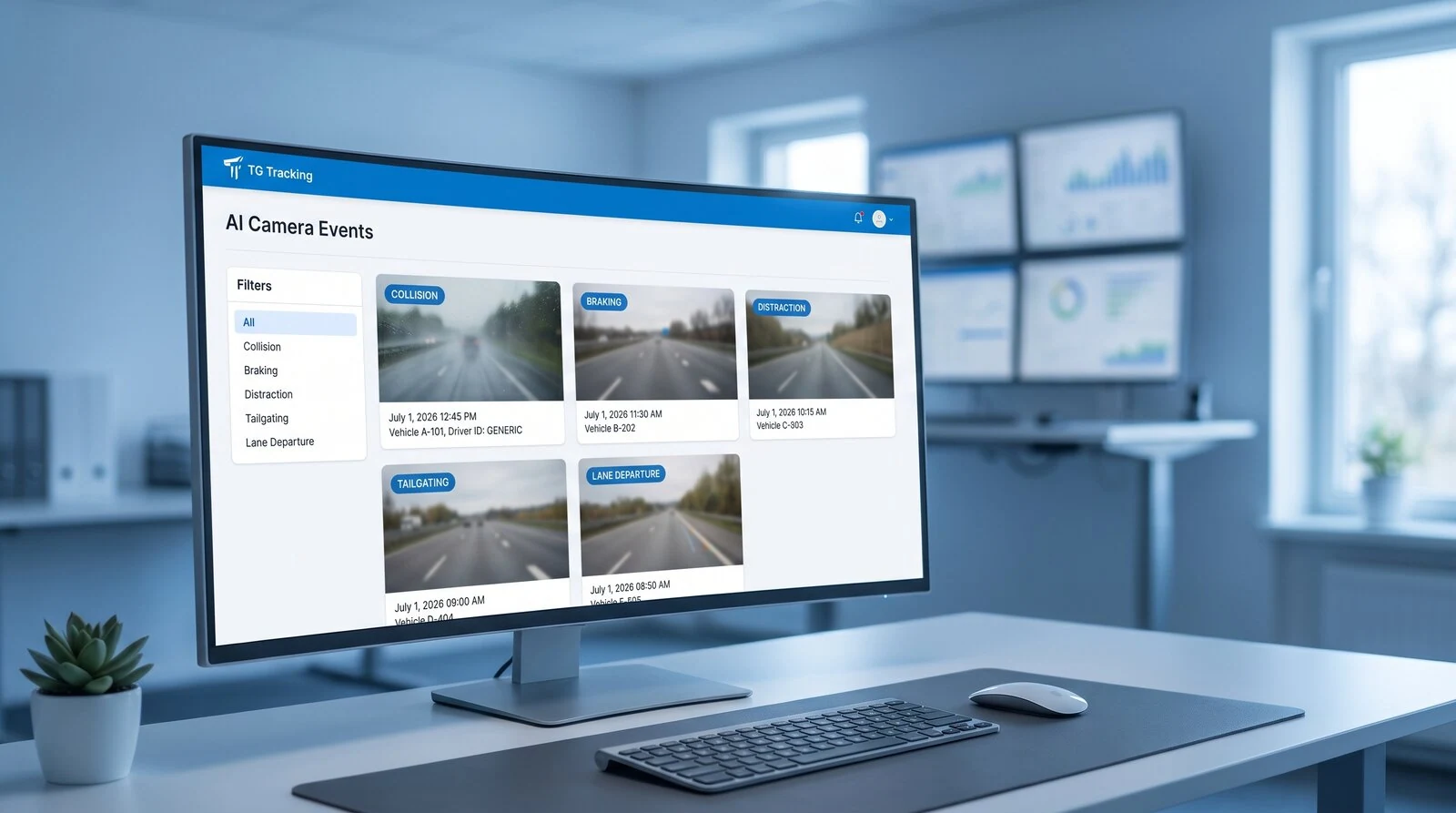
View camera-triggered events and related footage.
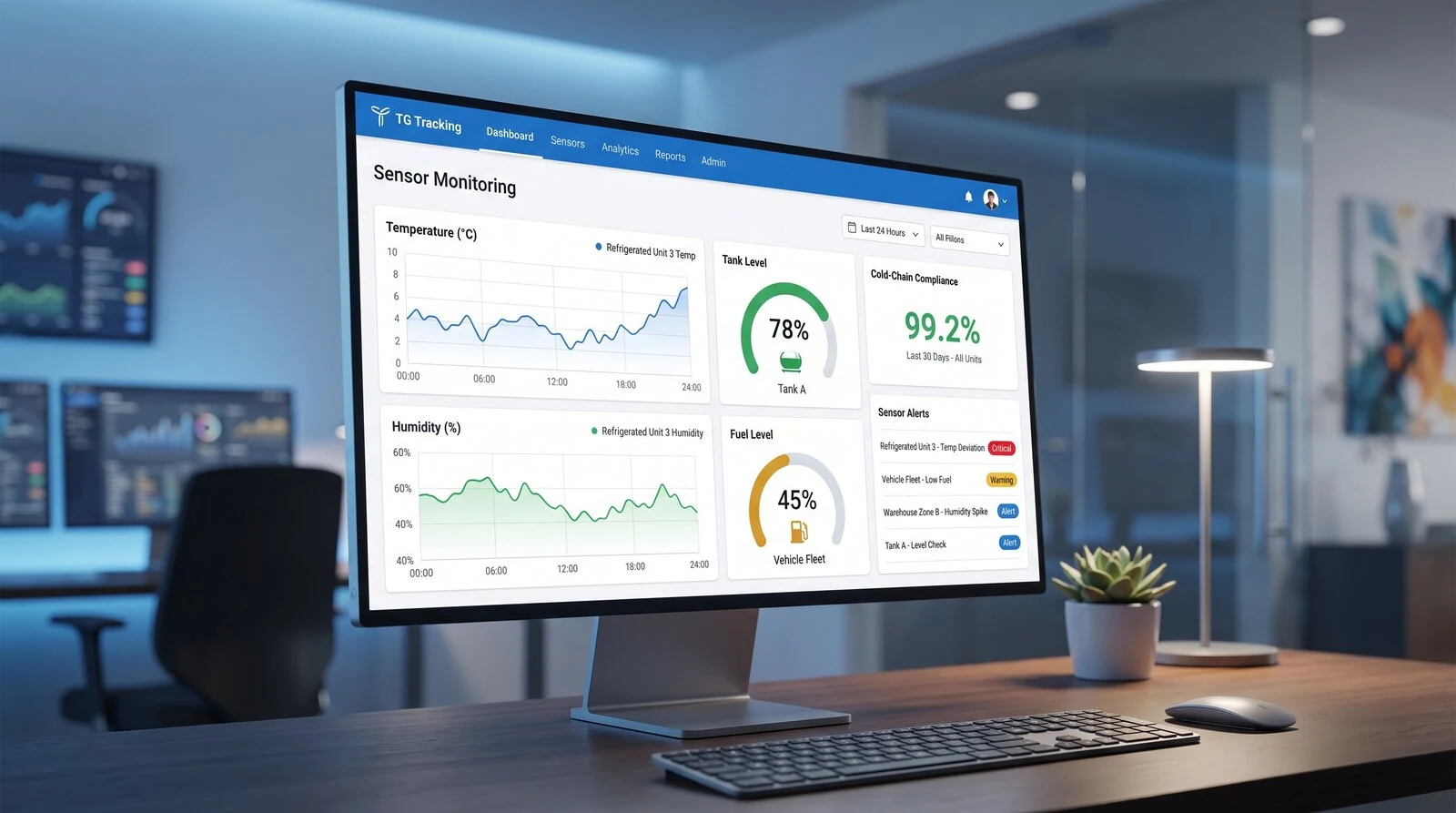
Monitor temperature, humidity, doors, tanks and other sensors.
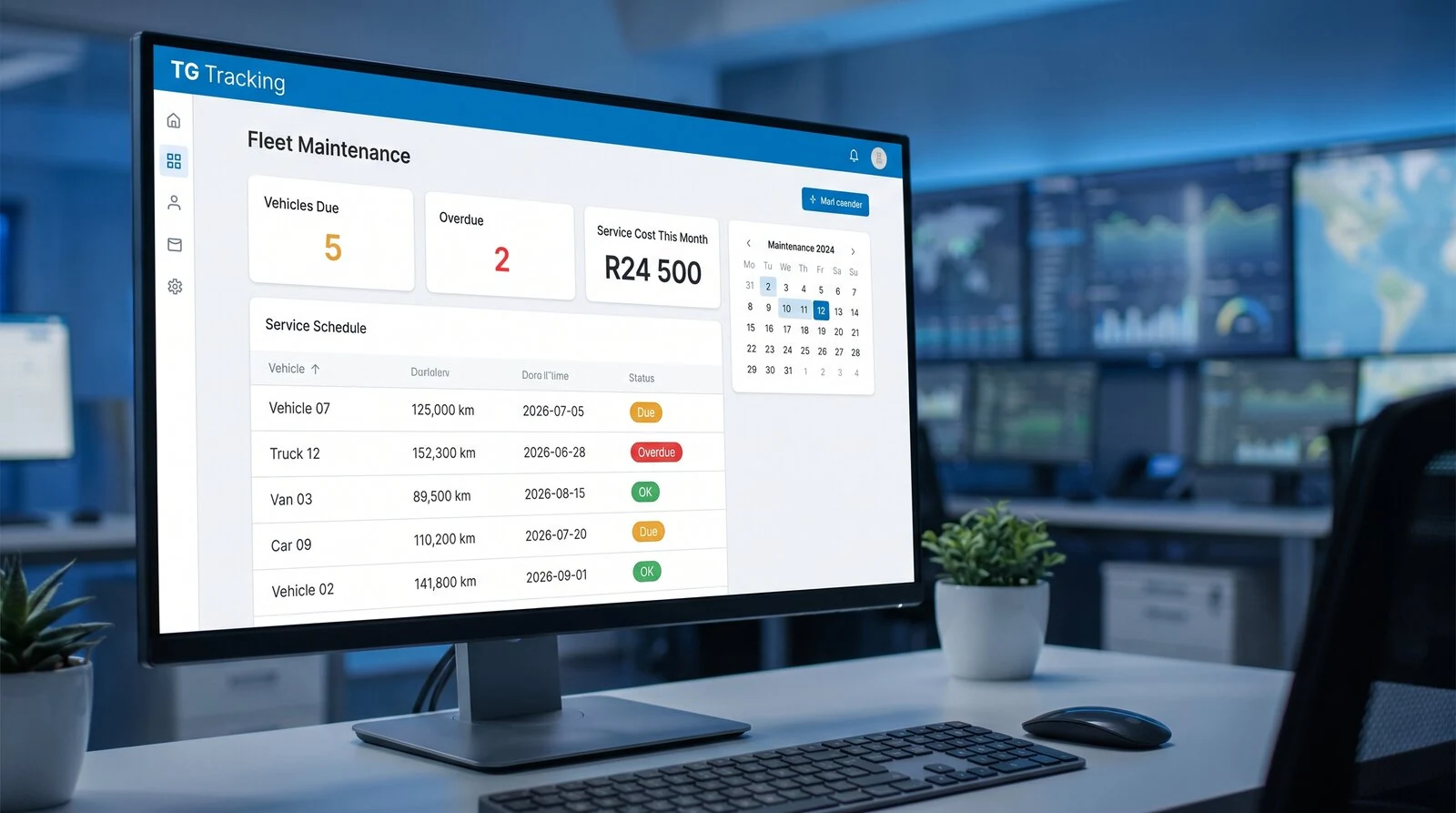
Track service reminders and maintenance activity.
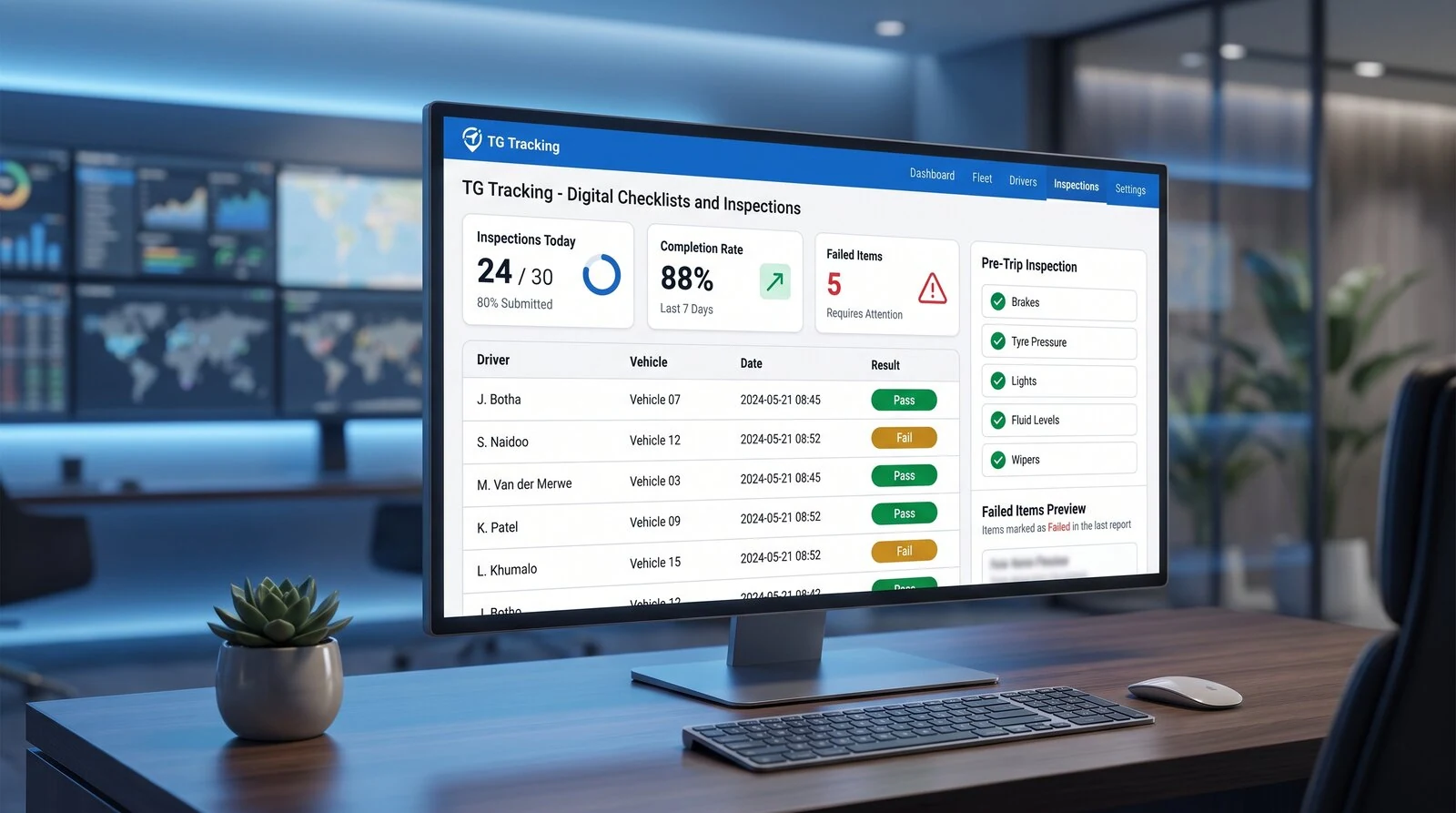
View completed inspections and digital workflow records.
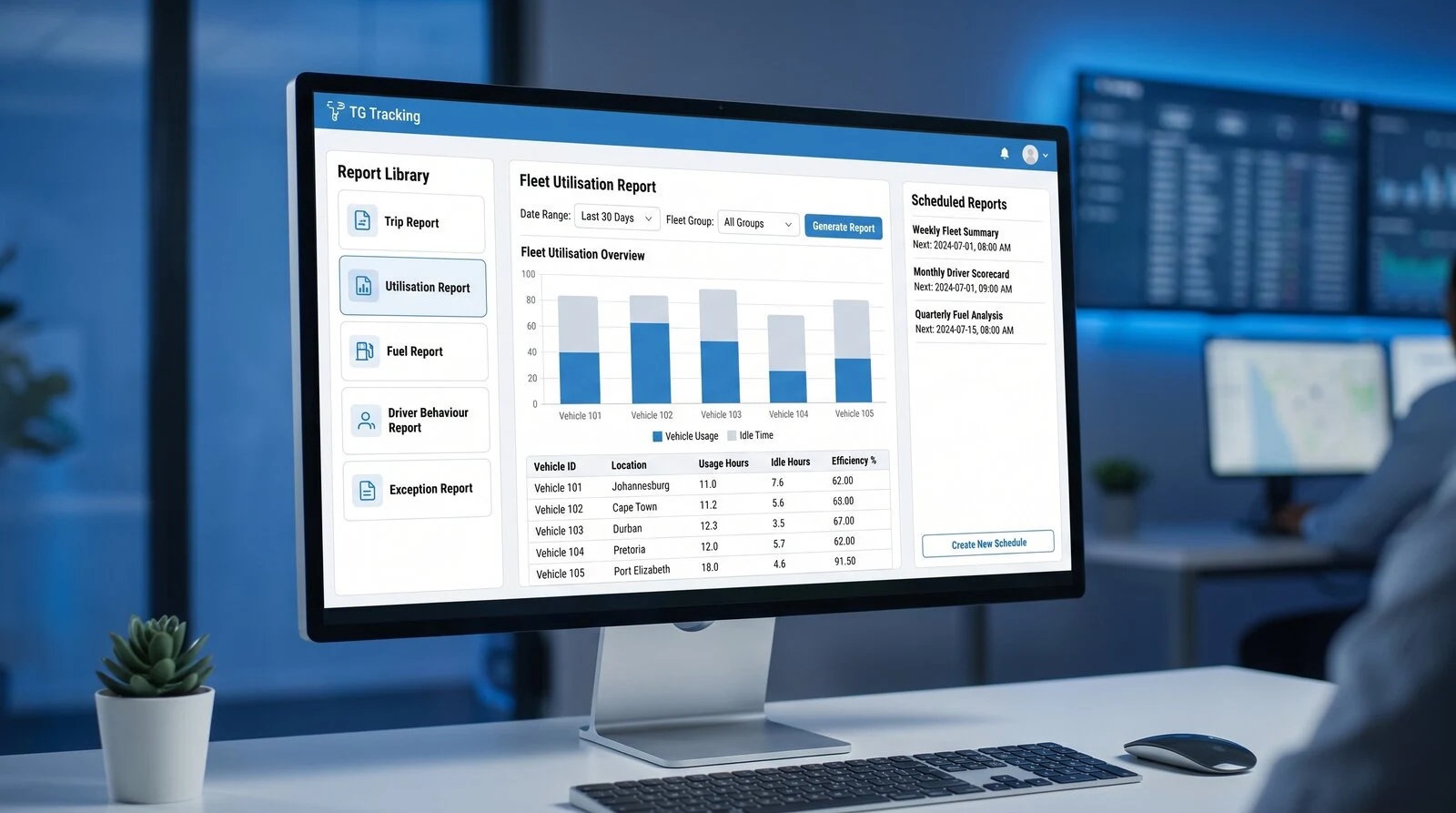
Create, customise and automate operational reports.
Why Businesses Use TG Online
One Platform for Moving Assets
Manage vehicles, trailers, equipment, cameras, sensors and alerts in one web platform.
Better Operational Visibility
See live activity, history, alerts and exceptions across the operation.
Faster Decision-Making
Use real data, reports and event history to act sooner.
Configurable Around Your Business
Set up users, permissions, alerts, reports and checklists around your operation.
Built for Multiple Industries
Transport, mining, construction, rental, cold chain, agriculture, security and service fleets.
Scales With Your Fleet
Useful for small teams, growing businesses and larger operational fleets.
Security and Access Control
TG Online supports user-based permissions so businesses can control who sees what.
This helps protect sensitive information while allowing the right people to access the right operational data.
Access can be configured around users, roles, teams or operational requirements.
Explore Related Pages
FAQs
What is TG Online?
TG Online is TG Tracking’s cloud-based web platform for managing vehicles, assets, sensors, cameras, alerts, reports and fleet activity.
Can I track vehicles live in TG Online?
Yes. TG Online allows users to view vehicles and assets on a live map where tracking devices are fitted and reporting.
Can TG Online track trailers and equipment?
Yes. TG Online can display wireless asset trackers used for trailers, equipment, generators, pumps and other non-powered assets.
Can TG Online show camera events?
Yes. Where compatible cameras are fitted, TG Online can show camera events and related footage inside the platform.
Can TG Online monitor sensors?
Yes. TG Online can display sensor data such as temperature, humidity, door events, tank levels, pump status and other configured inputs.
Can reports be automated?
Yes. Customers can create, customise and automate reports inside TG Online.
Can checklists be managed in TG Online?
Yes. Checklists can be configured in TG Online and completed through the TG Mobile app.
Can different users have different permissions?
Yes. TG Online includes user-based permissions so businesses can control access for different users and teams.
Is TG Online cloud-based or web-based?
TG Online is both. It is a cloud-based platform accessed through a web browser.
Ready to See TG Online in Action?
Manage vehicles, assets, sensors, cameras, alerts, reports and users from one connected web platform.